Yap
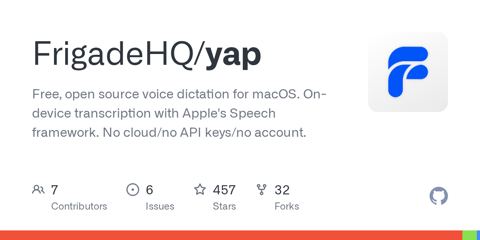
On-device voice dictation from the menu bar. Set a hotkey, talk, and the text is pasted into whatever field you were typing in. It runs offline in native Swift with no model to download. Languages: Swift Website: https://frigade.com/yap
- from
- Open Source Apps
- added
- 2026-10-19
- likes
- 0
similar
-
FnKey github.com
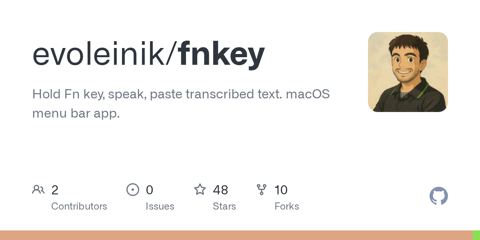
Push-to-talk voice input tool that pastes transcribed text instantly.
-
OpenVoiceFlow github.com
On-device voice dictation for macOS with local transcription and optional text cleanup. Languages: Swift Objective-C Python Shell Website: https://openvoiceflow.com
-
Blurt github.com
Free, open-source dictation for macOS: hold a key, talk, and polished text lands in whatever app you're typing in. Powered by AssemblyAI speech-to-text (bring your own API key). Languages: Swift Website: https://www.assemblyai.com/blurt
-
VoiceInk github.com
Dictation and transcription macOS app. (FOSS)
-
Plainsay github.com
Free MIT-licensed Mac dictation with on-device Whisper and Parakeet (Apple silicon, macOS 14+). Languages: Swift Website: https://plainsay.app/
-
Presspeech github.com
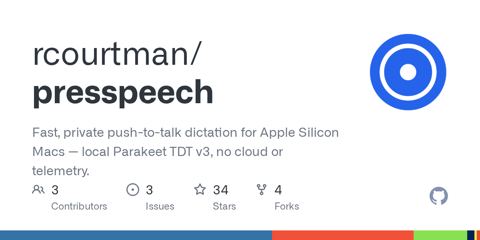
Native push-to-talk local dictation app for Apple Silicon Macs using Parakeet TDT v3 (CoreML/ANE).
Open Source Apps › Applications > 📊 Menubar (114): “On-device voice dictation from the menu bar. Set a hotkey, talk, and the text is pasted into whatever field you were typing in. It runs offline in native Swift with no model to download. Languages: Swift Website: https://frigade.com/yap”