Windows Snipping Tool
Windows built-in for partial screen capture and annotation. On macOS you can use Command + Shift + 4 (keyboard shortcut for taking partial screen capture).
- from
- Web Archiving
- added
- 2026-10-10
- likes
- 0
similar
-
Snipping Tool support.microsoft.com
Built-in Windows screenshot utility.
-
Snappy beqaabu.github.io
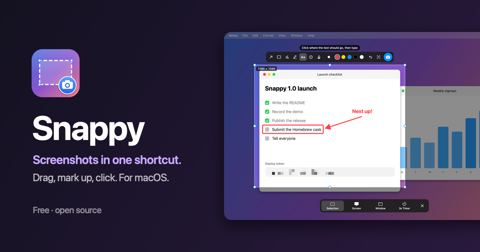
Open-source, Ubuntu-style screenshot tool with an adjustable selection, window and full-screen capture, markup, blur, and text copying.
-
AltSnap github.com
Window snapping with keyboard shortcuts.
-
Snagit techsmith.com
Simple, Powerful Screen Capture Software and Screen Recorder.
-
capcap capcap.skyrin.fun
Native menu bar screenshot tool with double-tap Command capture, annotation, scrolling capture, beautify, pinning, and image-host upload.
-
Snipaste snipaste.com
Simple but powerful snipping tool.



Web Archiving › Tools & Software > Quality Assurance: “Windows built-in for partial screen capture and annotation. On macOS you can use Command + Shift + 4 (keyboard shortcut for taking partial screen capture).”