Lockpaw
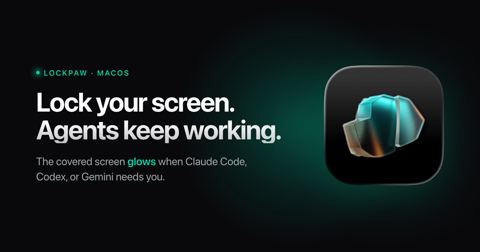
macOS menu bar screen guard for unattended Gemini CLI runs. One hotkey covers the screen and blocks input while the agent keeps running (no sleep), and the locked screen glows plus fires a notification when Gemini CLI needs input or finishes, via a lockpaw ping hook. Touch ID…
- from
- Gemini CLI
- added
- 2026-10-10
- likes
- 0
similar
-
-
Awakado awakado.noodledragon.studio
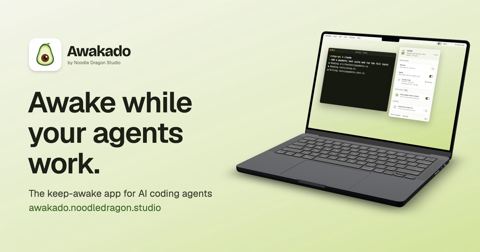
macOS menu-bar app that keeps the Mac awake while Gemini CLI is working, using Gemini CLI hooks, and lets it sleep when it finishes. Also supports Claude Code, Codex and other agents. Free, with a paid Pro tier.
-
MakLock github.com
Lock any macOS app with Touch ID, Apple Watch proximity, or password. Full-screen blur overlay on all monitors.
-
-
agentwatch github.com
Local-only TUI + web dashboard that tails Gemini CLI sessions alongside Claude Code, Codex, Cursor, Hermes, and OpenClaw on one unified timeline. Parses tokens, tools, and per-turn cost from each Gemini CLI session (gemini-2.5-pro / flash rates), plus context compaction…
-
Agent Cat agentcat.app
Free macOS/Windows menu-bar app that shows Gemini CLI and Antigravity usage and limits next to Claude Code and Codex, read from local files.
Gemini CLI › Development Tools & Utilities: “macOS menu bar screen guard for unattended Gemini CLI runs. One hotkey covers the screen and blocks input while the agent keeps running (no sleep), and the locked screen glows plus fires a notification when Gemini CLI needs input or finishes, via a lockpaw ping hook. Touch ID…”